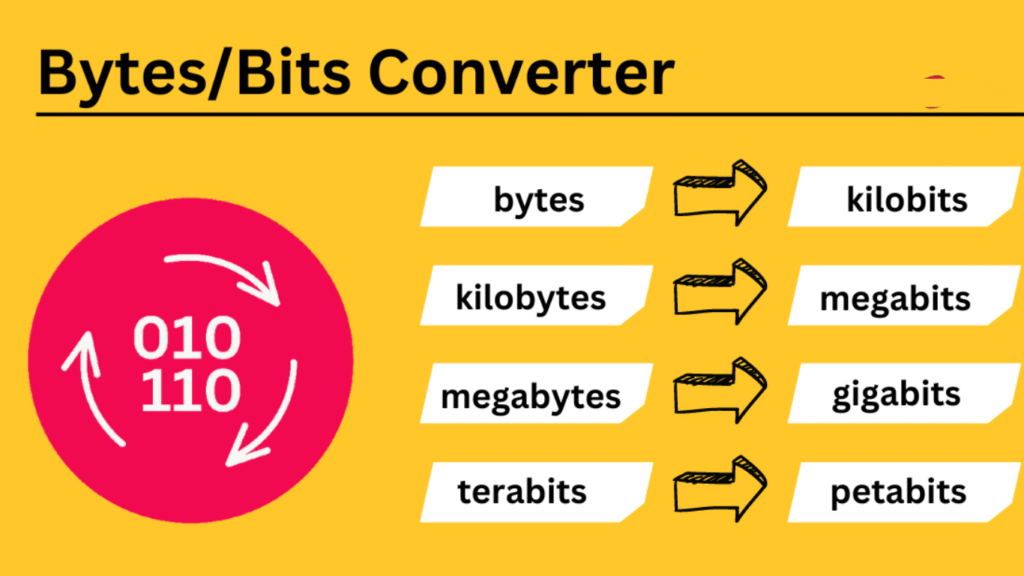
Convert Between Bytes
Result:
1 Bytes (B) = 8 Bits (b)
All Units Conversion
| Unit | Value |
|---|---|
| Bits (b) | 8 |
| Bytes (B) | 1 |
| Kilobits (Kb) | 0.0078125 |
| Kilobytes (KB) | 0.0009765625 |
| Megabits (Mb) | 0.0000076294 |
| Megabytes (MB) | 0.0000009537 |
| Gigabits (Gb) | 0.0000000075 |
| Gigabytes (GB) | 0.0000000009 |
| Terabits (Tb) | 0.000000000007 |
| Terabytes (TB) | 0.000000000001 |
| Petabits (Pb) | 0.000000000000007 |
| Petabytes (PB) | 0.000000000000001 |
🧮 Byte Converter – Convert Bytes, KB, MB, GB & TB Accurately
A Byte Converter is a digital tool that helps users convert storage values between units like Bytes, Kilobytes, Megabytes, Gigabytes, Terabytes, and beyond. In today’s data-driven world, where everything from social media to cloud storage is governed by digital capacity, accurately converting storage sizes is essential.
Whether you’re calculating how much space your backup files will take or comparing hosting plans, this tool is indispensable.
🔍 What is a Byte?
A byte is the fundamental unit of digital data. It represents 8 bits and is enough to store a single character such as “A” or “1”.
Bytes form the foundation for digital storage hierarchy:
| Unit | Equivalent in Bytes |
|---|---|
| 1 Kilobyte (KB) | 1,024 Bytes |
| 1 Megabyte (MB) | 1,024 KB (1,048,576 B) |
| 1 Gigabyte (GB) | 1,024 MB |
| 1 Terabyte (TB) | 1,024 GB |
| 1 Petabyte (PB) | 1,024 TB |
You can explore more unit conversions with our Unit Converter tool.
⚙️ How the Byte Converter Tool Works
Our Byte Converter uses binary (base-2) and decimal (base-10) logic to support conversions depending on your need.
🧠 Binary vs Decimal Conversion
| System | 1 KB Equals | Used In |
|---|---|---|
| Binary | 1 KB = 1,024 Bytes | Operating systems (Windows, Linux) |
| Decimal | 1 KB = 1,000 Bytes | Manufacturer specs, marketing |
Example:
If your file is 2,048 bytes:
- In binary, that’s exactly 2 KB
- In decimal, it’s 2.048 KB
Our converter allows toggling between both methods for complete accuracy.
📦 Common Byte Conversions
Here are the most commonly used conversions:
- Bytes to Kilobytes (B to KB)
- Kilobytes to Megabytes (KB to MB)
- Megabytes to Gigabytes (MB to GB)
- Gigabytes to Terabytes (GB to TB)
- Bytes to Bits and vice versa
- Terabytes to Petabytes (TB to PB)
These conversions are useful when:
- Uploading files to the cloud
- Optimizing website sizes
- Buying USBs, SSDs, or hard drives
- Understanding software and backup needs
🎯 Why You Need a Byte Converter Tool
A byte converter isn’t just for tech experts. Here’s how it helps:
🛠 For Developers:
Quickly estimate app data usage, cache size, or database limits.
🧑🎓 For Students:
Simplify data size calculations in assignments and research.
💼 For Businesses:
Compare digital storage plans, analyze file sizes, or streamline data migration.
🌍 For General Users:
Figure out if your phone can handle a 2 GB video or whether your email attachment is too large.
Need to check data transfer speed instead? Try our Internet Speed Converter.
Dashboard
💡 Real-World Examples
- A high-resolution image = ~3 MB
- 1-hour HD video = ~1 GB
- Full backup of a modern smartphone = ~100 GB
- Netflix’s 4K stream = 7 GB per hour
Understanding these sizes helps you manage devices and cloud storage more efficiently.
🔗 Related Tools on ConvertHelping:
🌐 Learn More from Trusted Sources:
- Wikipedia – Byte (DoFollow)
- Computer Hope – Byte Definition (DoFollow)
✅ Key Features of Our Byte Converter
- ⚡ Instant results
- 🔁 Supports both binary and decimal conversion
- 🔍 Precision up to 12 decimal places
- 📱 Mobile & Desktop optimized
- 🌐 Free and browser-based – no download needed
🚀 Try Our Byte Converter Now!
Use our Byte Converter Tool to easily convert digital data units anytime, anywhere.